

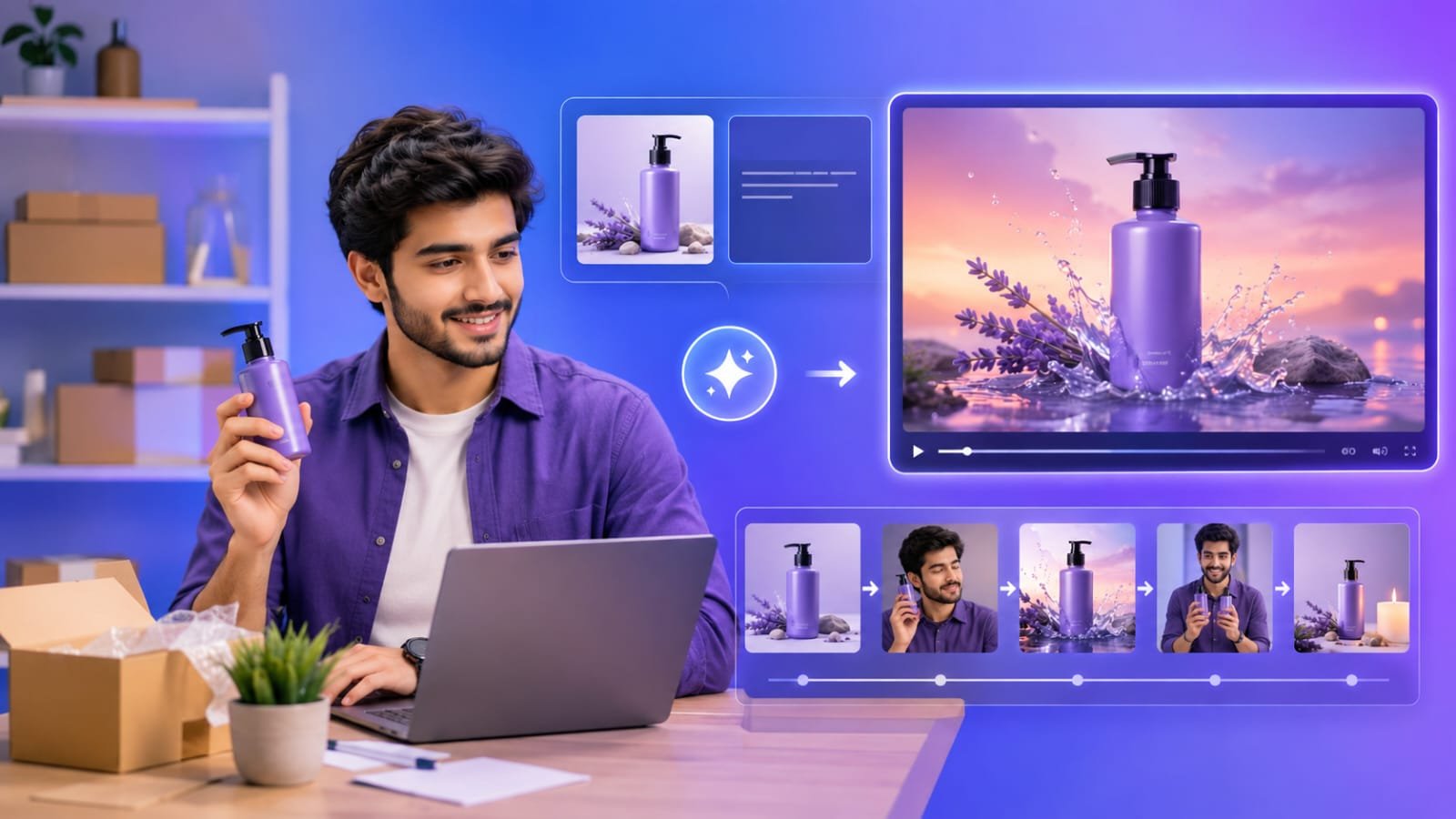
A portfolio gives people a chance to see what a creator can do, but a collection of separate images, designs, or project samples does not always communicate the full story. Someone viewing the work may understand the final result without knowing the skills, creative decisions, or range of abilities behind it. A short video presentation can bring those pieces together and give the portfolio a clearer sense of direction.
A free ai video generator can help creators experiment with this format without immediately investing in specialist editing software. It can turn selected visual materials and written ideas into a moving presentation, making it easier to introduce a body of work to potential clients, collaborators, or employers. The most useful results come from treating the video as a carefully planned introduction rather than a random collection of attractive clips.
Begin with the Impression You Want to Leave
Before choosing images or generating scenes, decide what a viewer should understand about your work after watching the video. A graphic designer might want to demonstrate a consistent approach to visual communication. A photographer may want to show a particular atmosphere or subject preference. An illustrator could focus on the variety of styles and characters they can create.
This decision influences everything that follows. A portfolio video intended for a potential employer may need to communicate versatility and professional judgment. A presentation for an independent creative project might place more emphasis on personality and artistic direction. Trying to communicate every achievement in one short video can make the result confusing. Choose one main impression and select projects that support it. A focused presentation is often more memorable than a long sequence of unrelated examples.
Give Each Project a Clear Place in the Story
A strong portfolio video needs an order that feels intentional. Simply displaying projects in the order they were completed may not be the most effective approach. Instead, consider how one example can prepare the viewer for the next. For instance, a designer could begin with a simple branding concept, move into its application across different materials, and finish with a more detailed campaign. Dreamina can help create supporting visuals that make these stages easier to present. This sequence demonstrates how an idea can develop across several formats. A photographer might arrange selected images by mood, subject, or visual contrast.
Each project should contribute something different. Avoid including several examples that communicate exactly the same skill unless repetition is important to the story. A carefully selected range can show both consistency and creative flexibility.
Use Movement to Reveal Details
Video adds an opportunity that a static portfolio cannot always provide: movement can guide attention. A slow transition might connect related projects, while a closer view can help viewers notice a particular design detail. A sequence of images can also reveal how a visual concept changes across different applications. The movement should support the work rather than compete with it. Constant zooming, rapid transitions, and unnecessary effects can distract from the actual projects. A restrained approach gives viewers enough time to notice details and understand what they are seeing.
A free AI video generator can be useful when testing different visual treatments. You might compare a presentation with subtle motion against one with more energetic transitions. The best choice depends on the character of the portfolio. A calm photography collection and a bold motion-design portfolio do not necessarily need the same visual rhythm.
Add Context Without Turning the Video into a Resume
A viewer may not know what each project represents. Brief descriptions can provide useful context, especially when the finished work does not explain its purpose on its own. A short caption could identify the challenge behind a project, the intended audience, or the creator’s contribution. For collaborative work, make it clear which parts you personally completed. This helps viewers understand your experience without making unsupported claims.
Keep on-screen wording selective. Long paragraphs are difficult to read while watching moving images. A project title and one concise explanation are often enough. More detailed information can remain in the written portfolio, where viewers can explore it at their own pace.
Make the Presentation Feel Like Your Work
A portfolio video should not look disconnected from the projects it contains. Consider using a consistent approach to typography, colors, transitions, and visual pacing. These choices create continuity and help the presentation feel like a natural extension of the creator’s style. Consistency does not require every scene to look identical. Different projects may need different treatments, particularly when they belong to separate clients or creative fields. The goal is to provide a unified presentation while preserving the character of each example.
When using AI-generated scenes or backgrounds, be careful not to imply that they are original client deliverables. Keep generated supporting visuals separate from finished portfolio work, and label them clearly when the distinction might otherwise be misunderstood. Accurate representation helps maintain trust.
Check the Video as a Viewer Would
Once the video has been generated, watch it from beginning to end without stopping after every scene. This makes it easier to notice whether the presentation feels coherent. Ask whether the opening establishes a clear identity, whether the middle maintains interest, and whether the ending gives viewers a reason to explore the full portfolio.
Check practical details too. Text should remain readable on a phone, important work should not be cropped, and transitions should not make images difficult to examine. Check that any narration or sound effects are clear and appropriate for the intended platform. Free tools may have limits involving export quality, video length, watermarks, generation credits, or available features. These conditions can vary, so review the current plan details before preparing a final version for professional use.
Conclusion
A portfolio video is more than a moving version of a project gallery. It is an opportunity to introduce creative work through a clear sequence, reveal details, and give viewers a better understanding of the person behind the projects. A free AI video generator can make early experimentation more accessible, helping creators explore different presentation styles without starting with a complicated editing process. The strongest presentation remains selective and honest. Choose work that supports a clear message, use movement with purpose, and provide enough context to make each example understandable. With thoughtful choices, a short video can become a useful introduction to a much larger body of creative work.
FAQs
What is the purpose of making a video portfolio?
A video portfolio presents selected work in a connected sequence. It can introduce a creator’s style, highlight different skills, and help viewers understand how individual projects relate to one another.
Can a free AI video generator create a professional-looking portfolio video?
It can help create a polished starting point, depending on the tool and its available features. The final quality also depends on project selection, visual consistency, readable text, and careful review.
How long should a creative portfolio video be?
There is no universal length. A short introduction is often easier to watch, while a portfolio containing several project categories may need more time. Include enough material to communicate your strengths without making the presentation repetitive.
Should I include every project in my video portfolio?
No. Select examples that represent your strongest work and support the impression you want to leave. A smaller, thoughtfully arranged collection can communicate your abilities more clearly than an exhaustive display.
Can I use AI-generated visuals alongside my original portfolio work?
Yes, when the distinction is clear. Supporting visuals can help with transitions or presentation, but they should not be presented as completed client work or original projects that you did not create.









Discussion about this post