

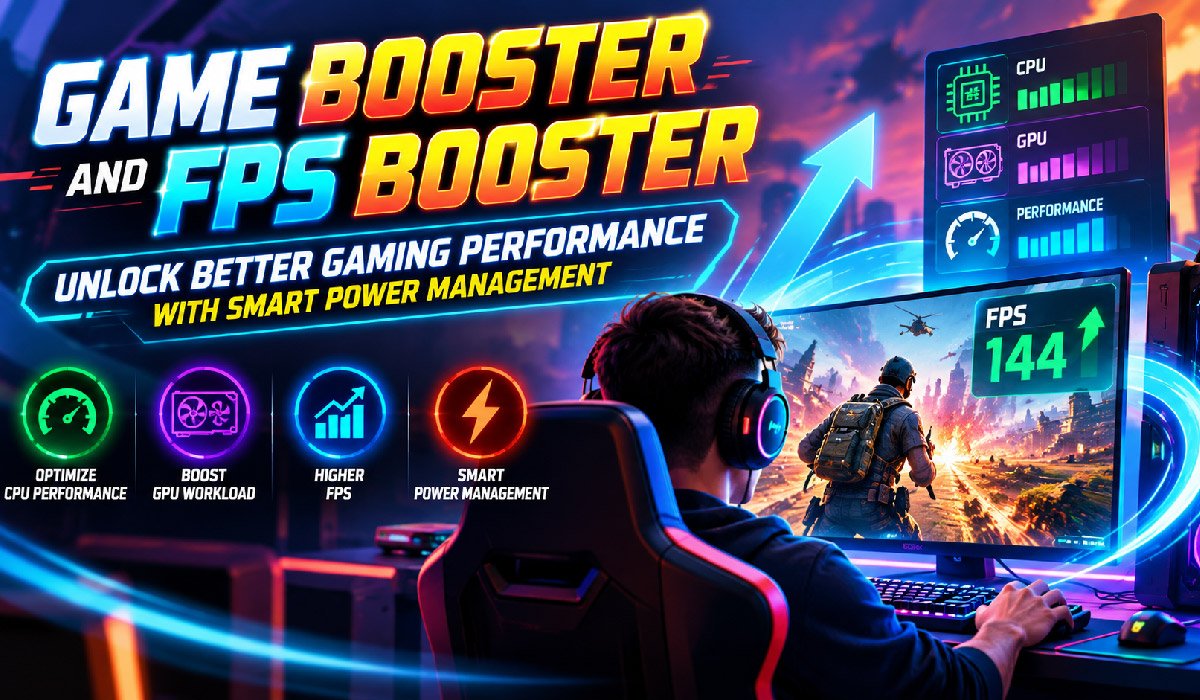
The importance of a computer’s ability to make efficient use of its power and hardware resources for gaming performance cannot be overstated. A number of players have described an abrupt decrease in FPS, being unable to react to certain situations, and experiencing inconsistent gameplay, all without knowing the causes. Power management, however, is not something that is easily noticeable. Tools such as Game Booster and FPS Booster can be used to improve game performance by reducing unnecessary system activity and enabling more efficient use of the hardware. Together with the other aspects of power settings, these solutions can result in a smoother and more consistent gaming experience.
How Power Settings Influence Gaming Performance
All computers come with power management options which are designed to control energy use and performance; these settings influence the speed at which the processor works and the way the system performs when being used on demanding applications.
In order to conserve energy, power-saving modes can reduce the speed at which the processor operates and may thus affect performance when playing demanding games. Selecting the appropriate performance mode allows similar hardware to deal with the rigours of gaming more effectively.
There is also a compromise between performance and greater power usage and heat production.
Game Booster and Efficient CPU Performance
The processor carries out the most important tasks in the game, including the AI, physics, and interactions with the player. The actions might become less predictable if the processing power has to be shared with background applications.
A Game Booster will not have any problems when it limits excessive workloads. This will allow some of the CPU resources to be made available for games.
It can be very useful when playing games that have advanced simulations or a large number of characters, such as those that are processor-intensive.
FPS Booster and GPU Workload Optimization
The graphics processor (GPU) is responsible for rendering the images as the game is being played; the quantity of resource space required by intense visual effects and high resolution can place a heavy demand on the GPU.
An FPS Booster will allow you to improve performance by using the appropriate graphics settings and through optimization; it can also help the GPU carry out the rendering process more efficiently by reducing the number of “unnecessary” renderings.
The player has the option of experimenting with resolution scaling, shadow quality, and visual effects in order to achieve a balance between image quality and frame rate.
Managing Laptop Gaming Performance
A problem associated with gaming laptops is that they are limited by both power and cooling capacity. The battery-saving modes can cause a reduction in performance, and if the unit gets too hot, then the processor and/or the graphics power may be lowered automatically.
For improved performance, it is possible to use an appropriate power profile and the right type of charger, and a Game Booster can also cut back on the use of resources when playing games.
Reliable results can also be obtained by making sure that ventilation is proper and that regular maintenance of the cooling system is carried out.
Avoiding Performance Loss from Thermal Throttling
Thermal throttling is a hardware feature that reduces the speed of the components when they start to get too hot, and this protection may result in a decrease in FPS during heavy use.
Even though Game Booster and FPS Booster software are unable to improve cooling, reducing any unnecessary workloads could help in preventing excessive stress on the system.
The ventilation openings must remain open, with the dust being cleared from the rooms and the temperature maintained at an appropriate level in order to obtain more consistent performance.
Finding the Right Performance Balance
You don’t need the most powerful hardware in order to have fun and enjoy gaming; other games don’t have this problem since they are able to run at moderate settings without increasing heat or power consumption and remain responsive.
A balanced gaming system can be set up by combining appropriate graphics settings with correct power management and some optimisation of the software.
Conclusion
It is beneficial to use a game booster and an FPS Booster together with the right power management settings if you want to increase the efficiency of your gaming. Such programmes can optimize the way the CPU and GPU are used, get rid of unnecessary background processes, and raise the frame rates, thereby helping to improve the general gaming experience. Knowing this enables players to make better decisions when adjusting their games and equipment in order to achieve optimal performance or efficiency, which in turn allows them to play without having to make large investments in upgrades.
Read More: Planning of Your Safe and Successful Plastic Surgery Abroad









Discussion about this post